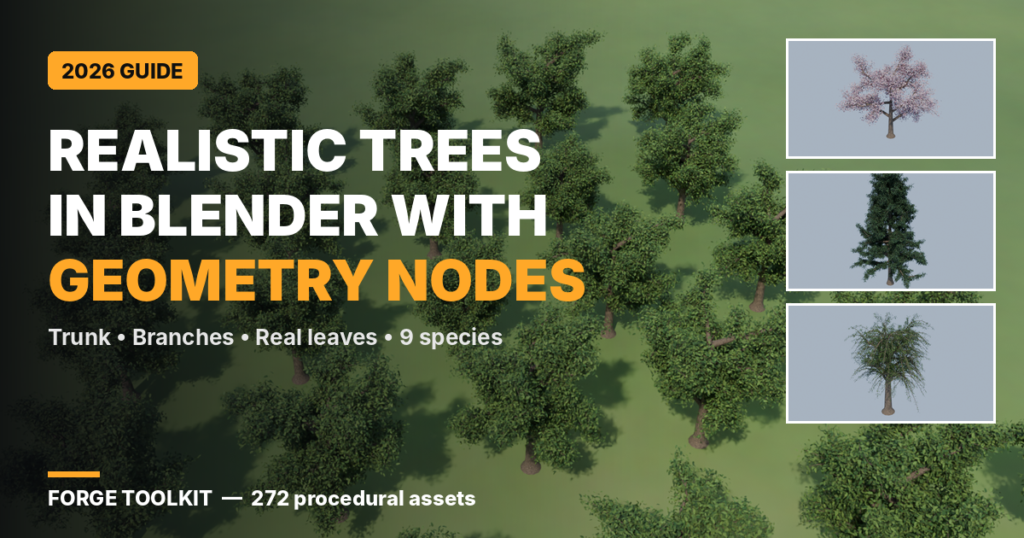
1. How to Make Realistic Trees in Blender with Geometry Nodes (2026)
1. How to Make Realistic Trees in Blender with Geometry Nodes (2026)Trees make or break an outdoor scene.…

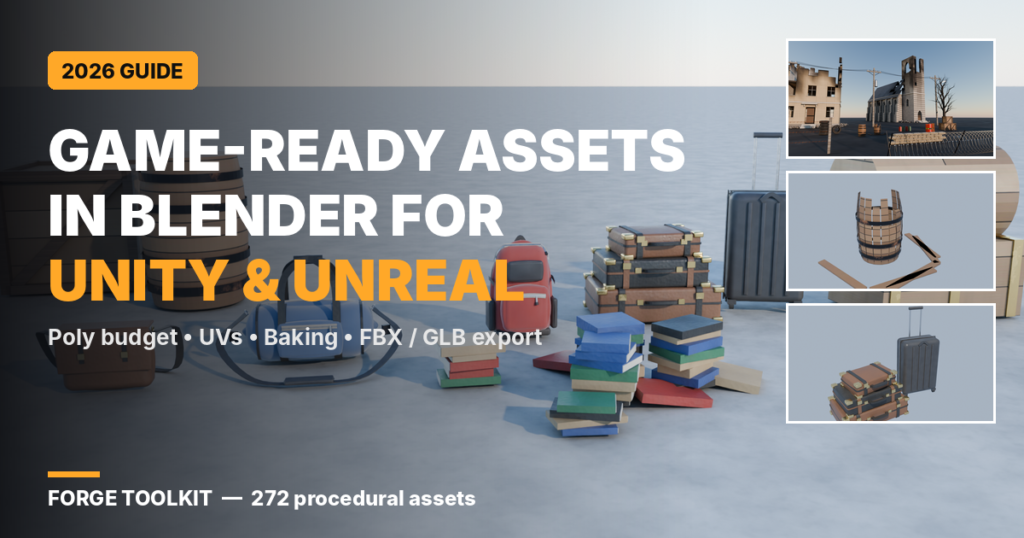
Blender is free, powerful and used by thousands of indie studios to make game art. But a model that looks great in a Blender render can break in a game engine: wrong scale, flipped normals, missing textures or far too many polygons. This guide covers the workflow that gets your assets into Unity, Unreal or Godot cleanly.
Decide how many triangles each asset can use before you start. Small props like barrels and crates usually need a few hundred to a few thousand triangles; hero assets close to the camera can use more. Background buildings should be lighter still.
Work in metres with Blender’s default unit scale. A door is about 2 m tall, a barrel about 0.9 m. Correct scale means physics, lighting and character movement behave as expected in the engine.
Apply all transforms (Ctrl+A > All Transforms), remove duplicate vertices and recalculate normals so they face outward. Use Shade Auto Smooth or weighted normals for hard-surface props so bevels shade well with few polygons.
Every game asset needs UVs. Use Smart UV Project for quick props, or mark seams for hero assets. Keep texel density consistent so textures look equally sharp across objects.
Game engines can’t read Blender shader nodes. Bake base colour, roughness, normal and ambient occlusion to image textures. 1K to 2K maps cover most props.
Create lower-detail versions for distance (LOD1, LOD2) using the Decimate modifier. Make a few colour or damage variations, such as a clean barrel and a broken barrel, so levels don’t look copy-pasted.
| Engine | Format | Key settings |
|---|---|---|
| Unity | FBX | Apply Scalings: FBX Units Scale; Forward: -Z Forward, Up: Y Up; Apply Transform on |
| Unreal Engine | FBX | Scale 1.0; Smoothing: Face; include tangents for normal maps |
| Godot | GLB (glTF 2.0) | Default glTF settings; materials and textures embedded |
| Web / three.js | GLB | Draco compression for smaller files |
Before exporting: apply all modifiers (including Geometry Nodes), apply transforms, set the origin at the base of the object and name objects clearly (for example SM_Barrel_Broken).
If you need props and buildings fast, Forge Toolkit generates them in one click inside Blender:
Launch offer: 30% off with code LAUNCH30. Get Forge Toolkit.
Is Blender good for making game assets? Yes. Blender is free and handles modelling, UVs, baking and export to FBX and GLB, which every major engine supports.
FBX or GLB: which format should I use? FBX for Unity and Unreal, GLB for Godot and the web. GLB keeps materials and textures in one file.
Why is my model the wrong size in Unity? Usually the scale wasn’t applied. Apply transforms in Blender and use “FBX Units Scale” when exporting.
Can I use Geometry Nodes or procedural assets in a game? Yes, after you apply the modifiers so they become normal meshes, and bake procedural materials to textures.
How many polygons should a game prop have? It depends on the platform and camera distance. Small props often use a few hundred to a few thousand triangles, with LODs for distance.
Some recommended offers are affiliate links — we may earn a commission at no cost to you. Learn more
1. How to Make Realistic Trees in Blender with Geometry Nodes (2026)Trees make or break an outdoor scene.…

1. How to Build a Procedural City in Blender (Without Modelling Every Brick)Building a city by hand in…

Korean skincare continues to attract shoppers who want to explore new ingredients, serums, moisturisers, and more personalised routines.…
We detected a preferred language for your region/browser. You can translate the whole site now or keep English.