
CELIMAX Skincare Guide 2026: Products, Ingredients and What to Know Before Buying
Korean skincare continues to attract shoppers who want to explore new ingredients, serums, moisturisers, and more personalised routines.…

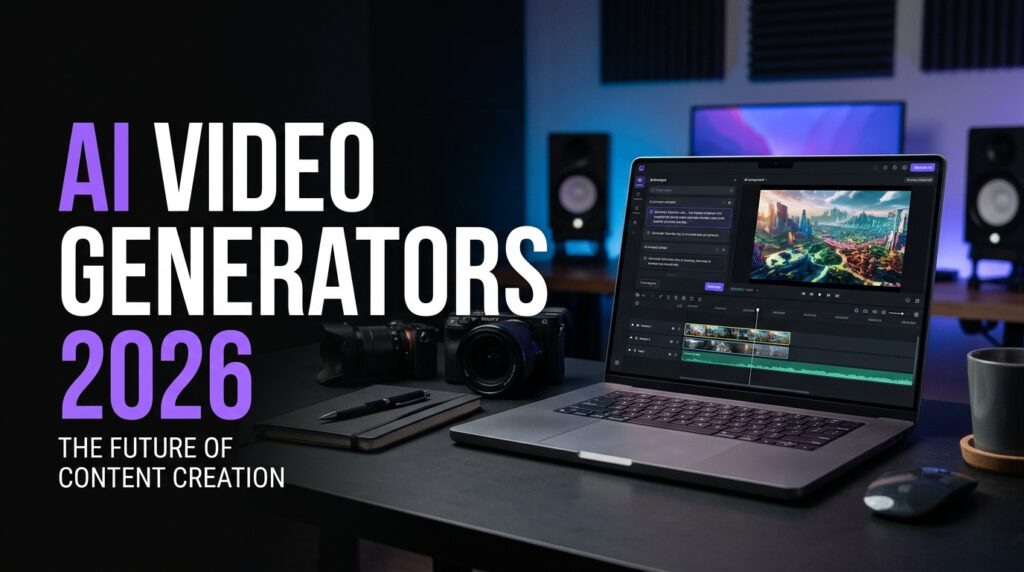
AI video generators are attracting attention from content creators, marketers, small businesses, and people who want to produce videos without a traditional filming setup.
Depending on the software, users may be able to turn text prompts or reference images into moving scenes, generate visual concepts, or create footage for use in a larger video project.
But different tools have different strengths. Before paying for a subscription, it is worth comparing the features that matter most to your work.
An AI video generator is software that uses artificial intelligence to create or modify video content. Depending on the product, features may include:
Not every platform supports all these functions, and output quality can vary between models, plans, and prompts.
Generate a few test clips that resemble the videos you actually want to publish. Look at facial consistency, object detail, lighting, text rendering, and whether the final footage matches your prompt.
A good example from a promotional demo does not guarantee that every generation will be equally successful.
For multi-scene videos, check whether people, products, backgrounds, and visual style remain consistent from shot to shot.
This is especially important for product advertisements, recurring fictional characters, and videos where two clips must connect seamlessly.
Check maximum clip duration, available resolution, frame rate, watermark restrictions, and export formats. If you publish vertical videos, confirm whether the tool supports 9:16 output or requires additional editing.
Some services use credits for each generation, while others provide monthly limits or tiered subscriptions.
Compare the number of generations you can reasonably produce, the cost of reruns, and whether commercial use is included in your chosen plan.
Read the provider’s terms for commercial projects, advertising, generated characters, copyrighted elements, and uploaded reference images.
Do not assume that every generated clip can be used in any advertisement or monetised video without restrictions.
Consider whether the tool lets you control camera movement, composition, aspect ratio, style, and the placement of products or characters.
If the result will be part of a longer advertisement, you may still need a video editor to add accurate logos, headlines, music, captions, and calls to action.
These tools serve different purposes.
An AI video generator helps create footage or visual concepts. A traditional video editor helps arrange clips, refine timing, add audio, control transitions, and export the finished project.
Many creators use both: generate short scenes first, then assemble and polish them in an editor.
For advertising, check product packaging, logos, prices, and promotional details carefully. AI-generated text can be distorted, so adding final text overlays during editing is often more reliable.
Start with a clear brief. Specify the subject, environment, lighting, camera movement, duration, and aspect ratio.
Break complicated ideas into short shots rather than asking one generation to do everything. Use consistent reference images when appropriate, and review the result before moving to the next clip.
For a seamless two-part advertisement, make the final frame of the first clip match the opening frame of the second clip in composition, movement, and colour.
The best AI video generator depends on the kind of content you create, the amount of control you need, your budget, and the usage rights available to you.
Test tools with the same prompt, compare their outputs, and check the commercial terms before subscribing.
Discover more digital tools and brand offers through Affimora.
Software features, prices, generation limits, and usage rights can change. Review the provider’s current terms before purchasing.
Some recommended offers are affiliate links — we may earn a commission at no cost to you. Learn more
Korean skincare continues to attract shoppers who want to explore new ingredients, serums, moisturisers, and more personalised routines.…

The year-end shopping season is approaching, and Black Friday is one of the biggest opportunities to compare prices,…

Skincare shoppers are increasingly interested in understanding product ingredients, especially when choosing products for sensitive or easily irritated…
We detected a preferred language for your region/browser. You can translate the whole site now or keep English.